How to run online tuition classes in Sri Lanka
A practical setup for monthly online classes in Sri Lanka: schedules, Zoom links, fees, recordings and attendance, without juggling WhatsApp groups and spreadsheets.

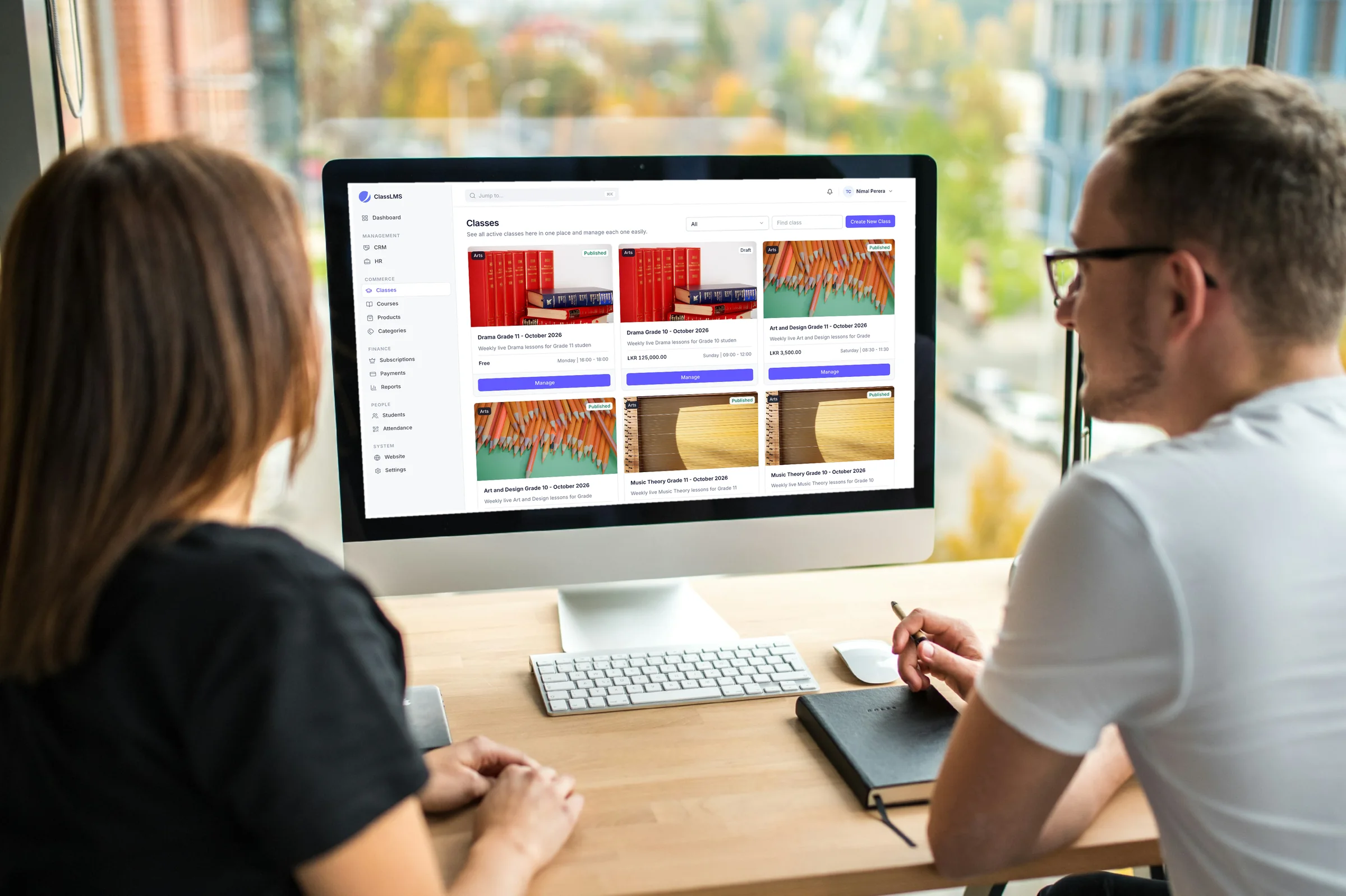
Most tuition classes in Sri Lanka run on a monthly cycle: students pay for the month, join the live sessions, and expect the recordings afterwards. Running that by hand over WhatsApp, bank slips and shared drives works for twenty students. At two hundred, it eats your evenings.
I built ClassLMS after watching teachers spend more time checking payment slips than preparing lessons. This guide is the setup I recommend to every academy we onboard, whether you use ClassLMS or not.
1. Create each class once and let it repeat
Start with the things that do not change: the subject, the grade, the day and time, and the monthly fee. Then let the schedule build itself.
In ClassLMS a class creates a new monthly run on its own, with the full timetable of sessions for that month. Students who paid for October see October. November opens when they pay again, and nobody has to rebuild a calendar.
- Set the weekly day and time once
- Add one-off extra sessions before exams
- Let unfinished recordings roll over into the next month if you choose
2. Give every session its own meeting link
One permanent Zoom link is how links end up in the wrong WhatsApp groups. Instead, connect your Zoom account once and let every session get its own meeting.
The link is shown only to students who have paid for that month. If you prefer Google Meet or another tool, paste that link for the session instead.
3. Collect fees the way students already pay
Parents in Sri Lanka pay in different ways, and forcing one method loses students. Accept all of them, but keep one list of who has paid:
| Method | Best for | How it is confirmed |
|---|---|---|
| Bank transfer with slip | Most local students | You approve the slip in one review queue |
| PayHere | Local cards and mobile wallets | Automatically |
| Stripe | Students abroad | Automatically |
| Cash | Students who pay at the class | You record it against the student |
For longer courses, split the fee into 2 to 12 installments with due dates and an optional late fee. When a payment is approved, the student's access opens straight away. No more checking slips against a list before every class.
4. Share recordings without losing them
Recordings are often the most valuable part of a class, and the easiest to lose. Zoom cloud recordings can be added to the session automatically once Zoom finishes processing them.
Students then watch inside your own player, with their name, phone number and a live clock moving across the video. Anyone thinking of screen-recording a lesson knows the copy points straight back to them. You can read more about this in our page on protecting recorded lessons.
5. Take attendance without a roll call
Attendance is where small classes get sloppy and large ones get impossible. Two habits fix it:
- For physical classes, students scan a QR code shown on the screen. The code rotates, so a photo of last week's code does not work.
- For online classes, Zoom attendance is marked after the meeting ends, with minutes in class. Joining from two devices at once is flagged as possible account sharing.
6. Put it all on your own name
Parents trust a name they recognise. Run everything on your own .lk or .com domain, with your logo, and give students a branded Android and iPhone app. To parents and students, it is your academy, not someone else's tool.
A simple weekly routine
Once the setup is in place, a teacher's week looks like this:
- Monday: check the payments queue and approve new slips
- Before each class: nothing. The link is already there for paid students
- After each class: the recording and attendance arrive on their own
- End of month: look at Reports for revenue and unpaid students, then the next month opens by itself
The goal is not more software. It is getting your evenings back for teaching.
If you want to see this running with your own classes, request a demo and we will set it up with you.
- Online classes
- Sri Lanka
- Getting started